
Meilisearch
Installation
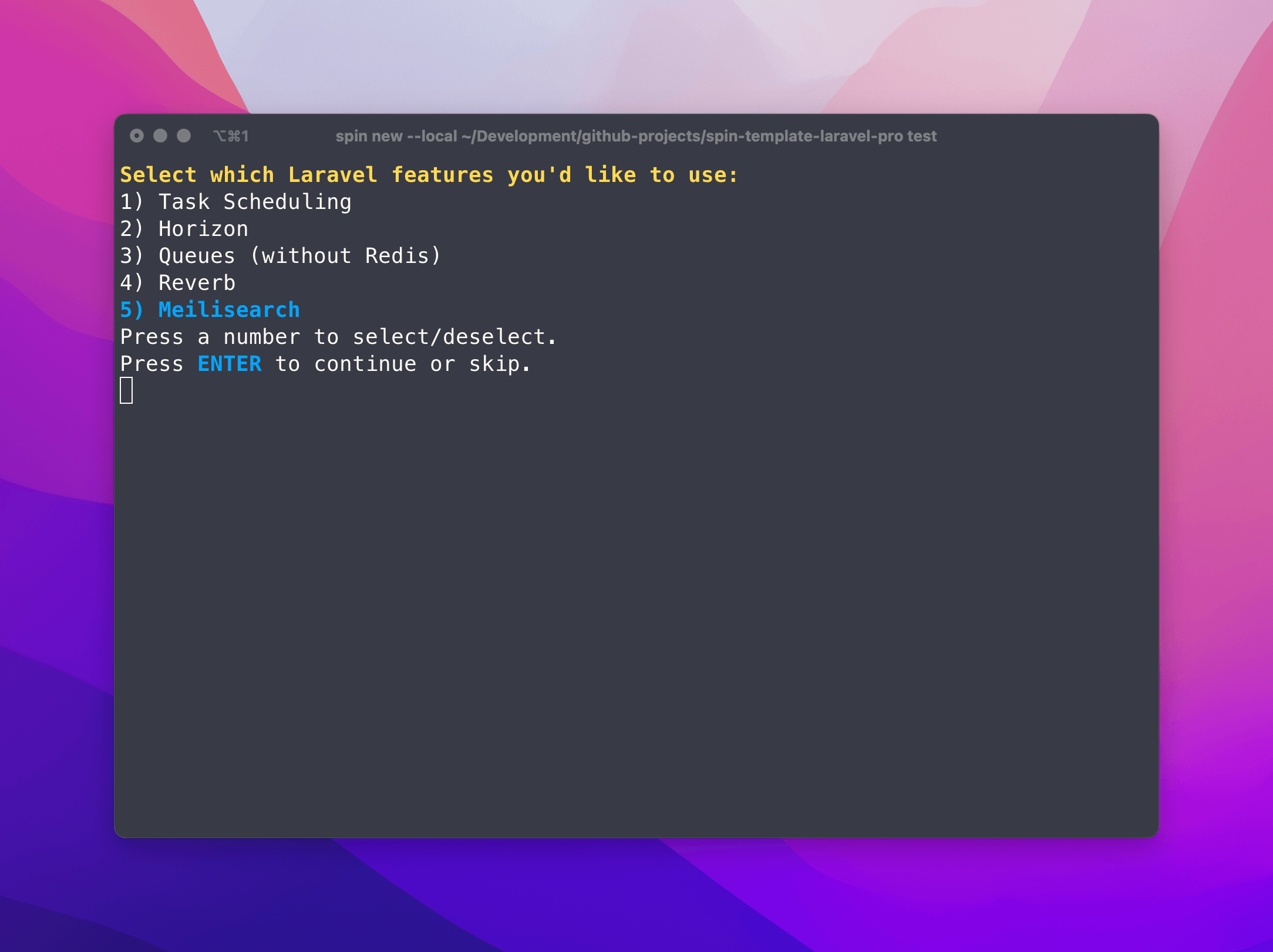
To install Meilisearch, you will be prompted to include the Meilisearch service on install. You simply just need to select it.
What Spin does for you
When you select Meilisearch to be installed, Spin will:
- Configure the Meilisearch docker service for development and production
- Sets a default Meilisearch key for local development in your
.envfile (developmentkey1234567890) - Ensure Laravel Scout is installed and configured to use Meilisearch
- Ensure the configuration is published to your project
Getting access to the Meilisearch UI
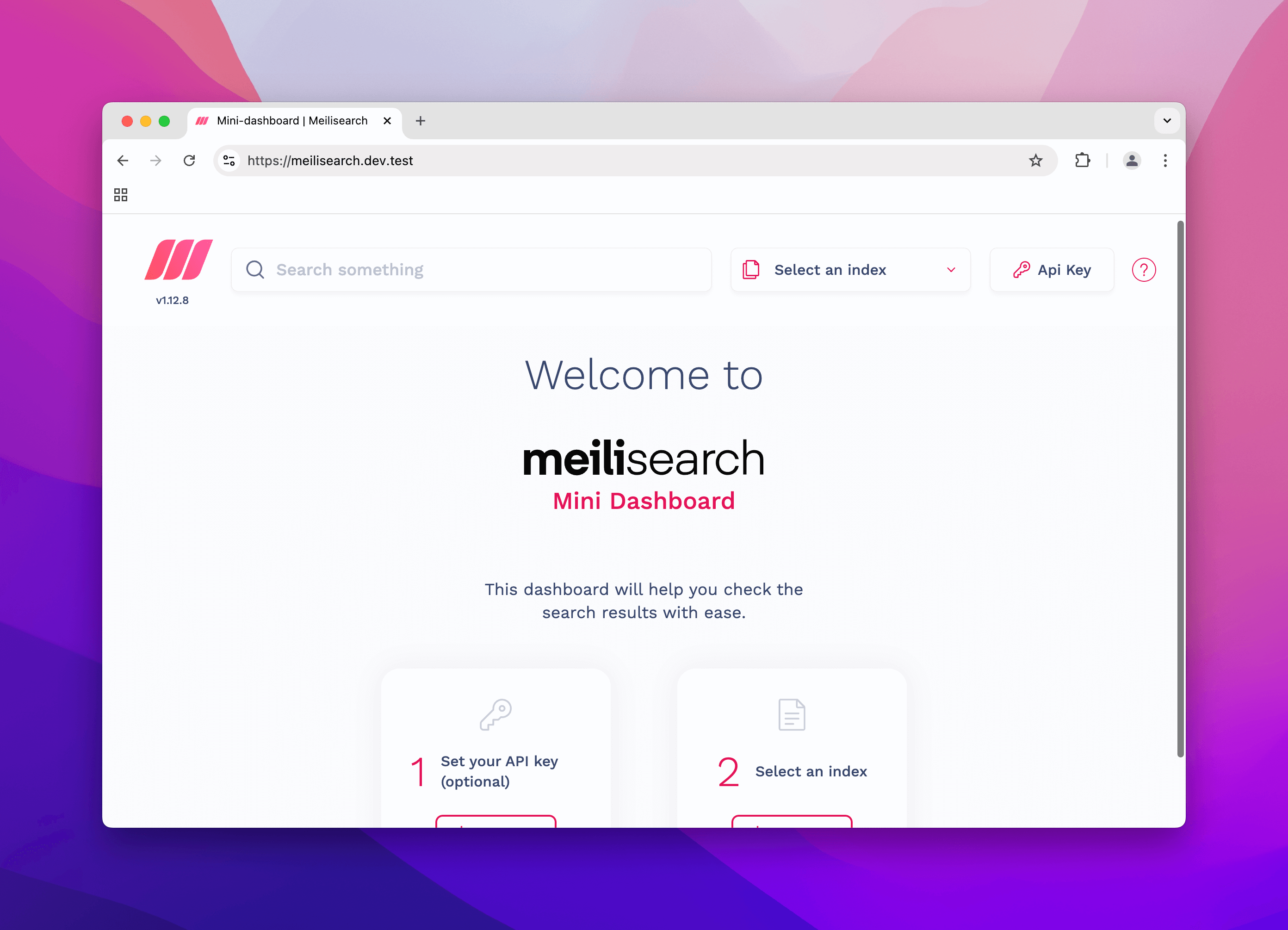
In development, if you've configured your hosts file correctly, you can access the Meilisearch UI at https://meilisearch.dev.test.
Running the Meilisearch UI in production
In general, we do not recommend running the Meilisearch UI in production because if it's not properly secured, it could be a security risk. If you truly need to run the Meilisearch UI in production for debugging or some other reason, you can copy the Traefik labels to docker-compose.prod.yml and you should also consider protecting the Meilisearch UI with a password with Traefik.
⚠️ Setting credentials
When you configure your .env.production file, you will need to set the MEILISEARCH_KEY variable. This is the key that will be used to authenticate with Meilisearch.
SCOUT_DRIVER=meilisearch
MEILISEARCH_HOST=http://meilisearch:7700
MEILISEARCH_KEY=mysupersecretkeyel6JUsBK1xbWzNPxeLeXSnxJ
Notice we are using meilisearch:7700 as the host. This is because we are using the default port for Meilisearch and the service name of the Meilisearch container is meilisearch.
Usage
When you run spin up, the Meilisearch container will start automatically using the configuration details from your .env file.