
Activate your access
Completing your purchase
You can purchase a license key from the Spin Pro website.
All purchases are handled through Lemon Squeezy. You'll receive an email with your receipt and license key. You'll need this license key to access the Spin Pro template.
Activate Your License Key
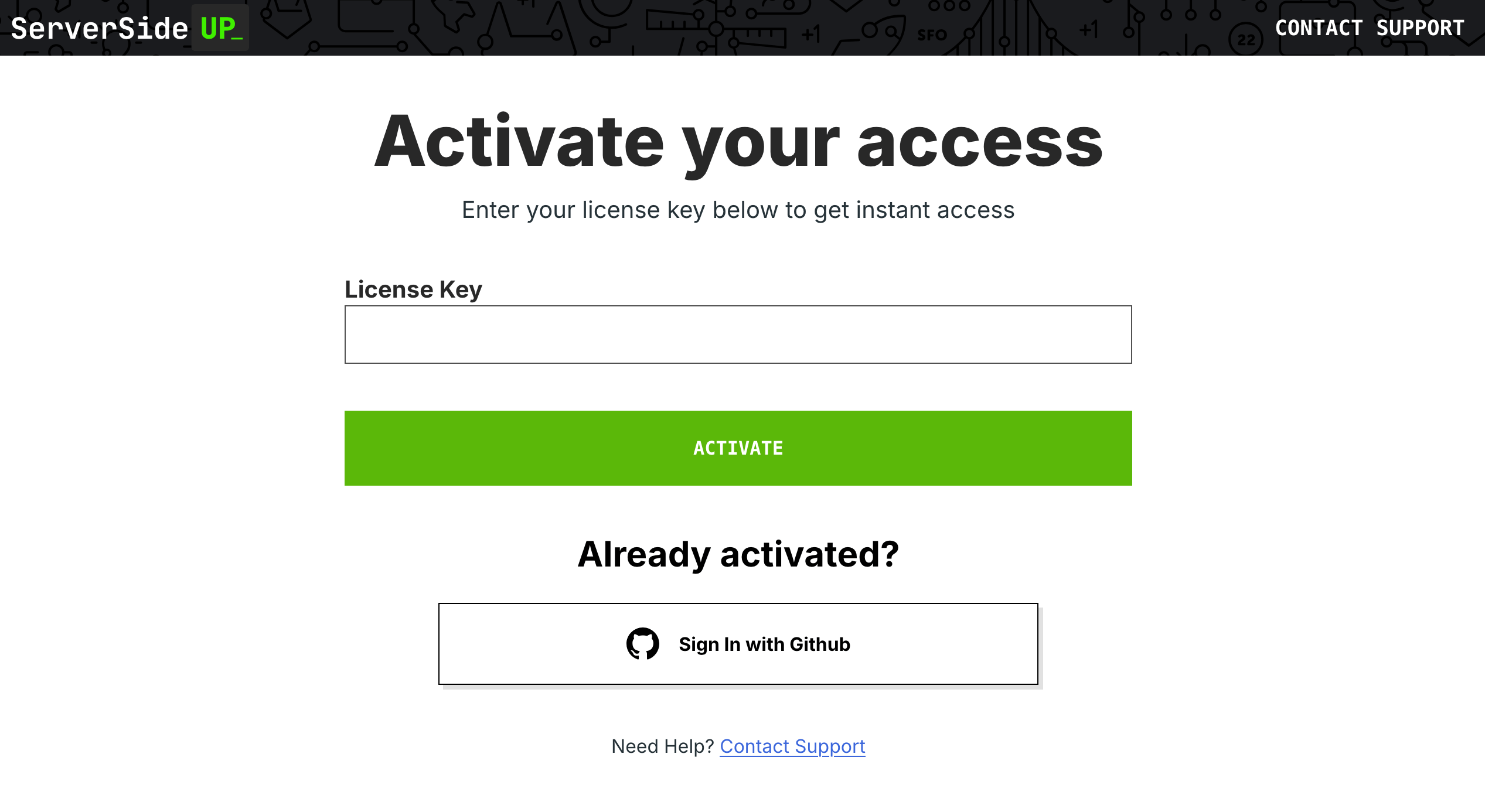
To activate your license key, you'll need to visit https://activate.serversideup.net. You'll need to enter your license key found on your emailed receipt, where you'll be prompted to log in with your GitHub account.
Ensure you have access to the Spin Pro repo
Our system will automatically send you an email to get access to the Spin Pro repo. You'll need to accept the invite to access the repository.
Configure your SSH Keys with GitHub
Since this is a private repository, you'll need to ensure you have your SSH keys configured with GitHub. You can follow the instructions on GitHub to add your SSH keys.
You can test your SSH keys by running the following command:
ssh -T [email protected]
If you see your GitHub username returned, then you have properly configured your SSH access with GitHub.
Introduction
Learn how to self-host Laravel applications with zero-downtime deployments, automated CI/CD, and Docker. The easiest way to manage your own Laravel infrastructure without monthly fees.
Install to macOS
Spin easily runs on any macOS machine that runs Docker Desktop. Getting started is as simple as installing Docker Desktop, then running a single command to install `spin`.