
SQLite
Installation
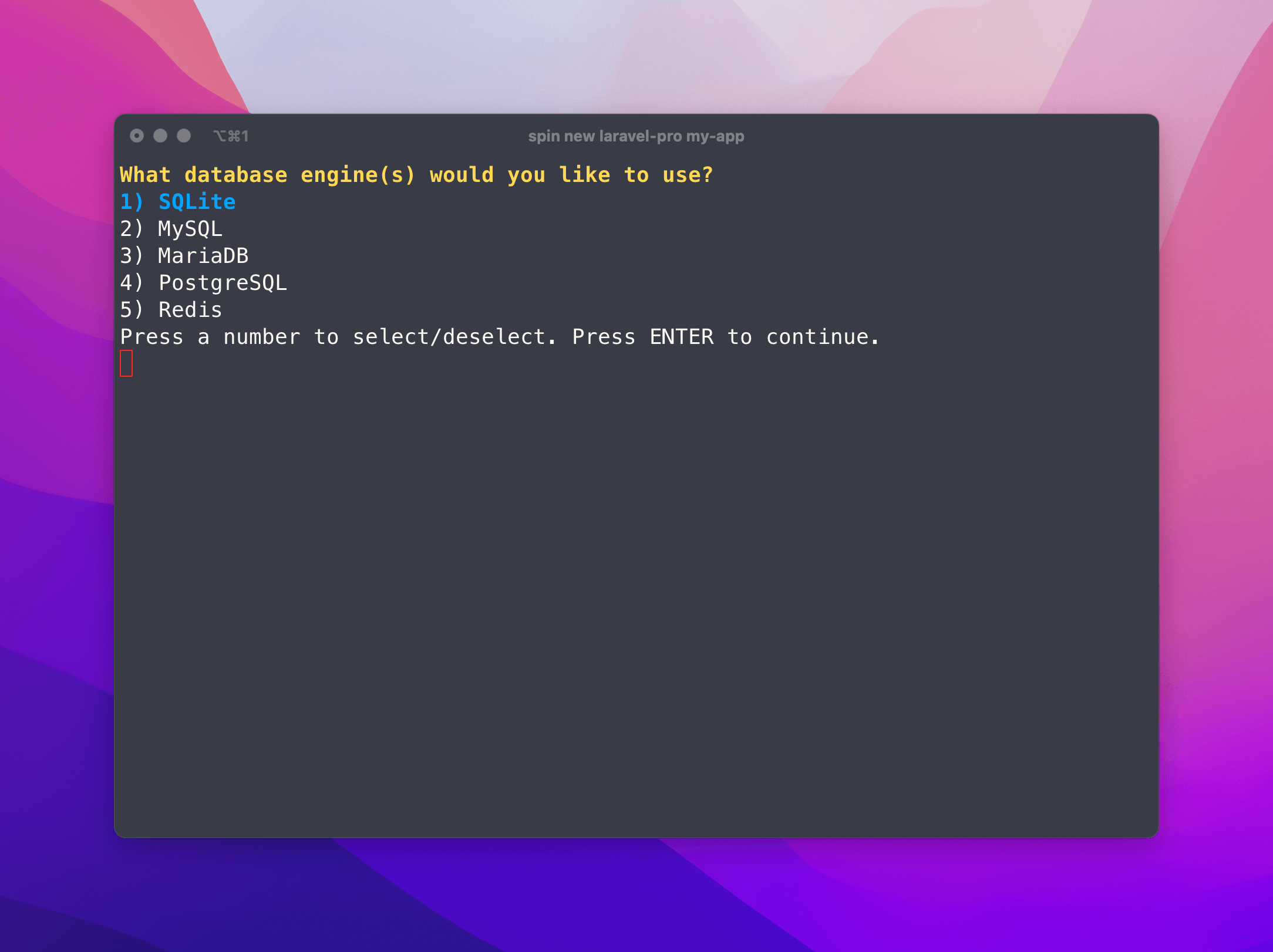
To use SQLite, you will be prompted to include the SQLite service on install. You simply just need to select it.
What Spin does for you
When you install SQLite, Spin will automatically configure the database for you and ensure there are volume mounts for the database files so your data won't be lost when your container updates.
database/database.sqlite, we have to move the database to .infrastructure/volume_data/sqlite so we can mount the database to a directory without overwriting other Laravel files.Spin will automatically configure your .env file to do this for you:
DB_CONNECTION=sqlite
DB_DATABASE=/var/www/html/.infrastructure/volume_data/sqlite/database.sqlite
Notice how the path is prefixed with /var/www/html. This is because the database is mounted to the /var/www/html directory in the container. It is important that we reference this from the container's perspective and not your workstation's perspective.
Usage
When you run spin up, Laravel will be configured to use SQLite as the database. You can now run your migrations and seed your database as you normally would.